Your Time has the ability to have 3 alarms set up along with a daily recurring alarm that you can use as a pill reminder. When your Time vibrates for an alarm, it will vibrate with 5 consecutive longer vibrations. The pill reminder will vibrate with 4 longer vibrations.
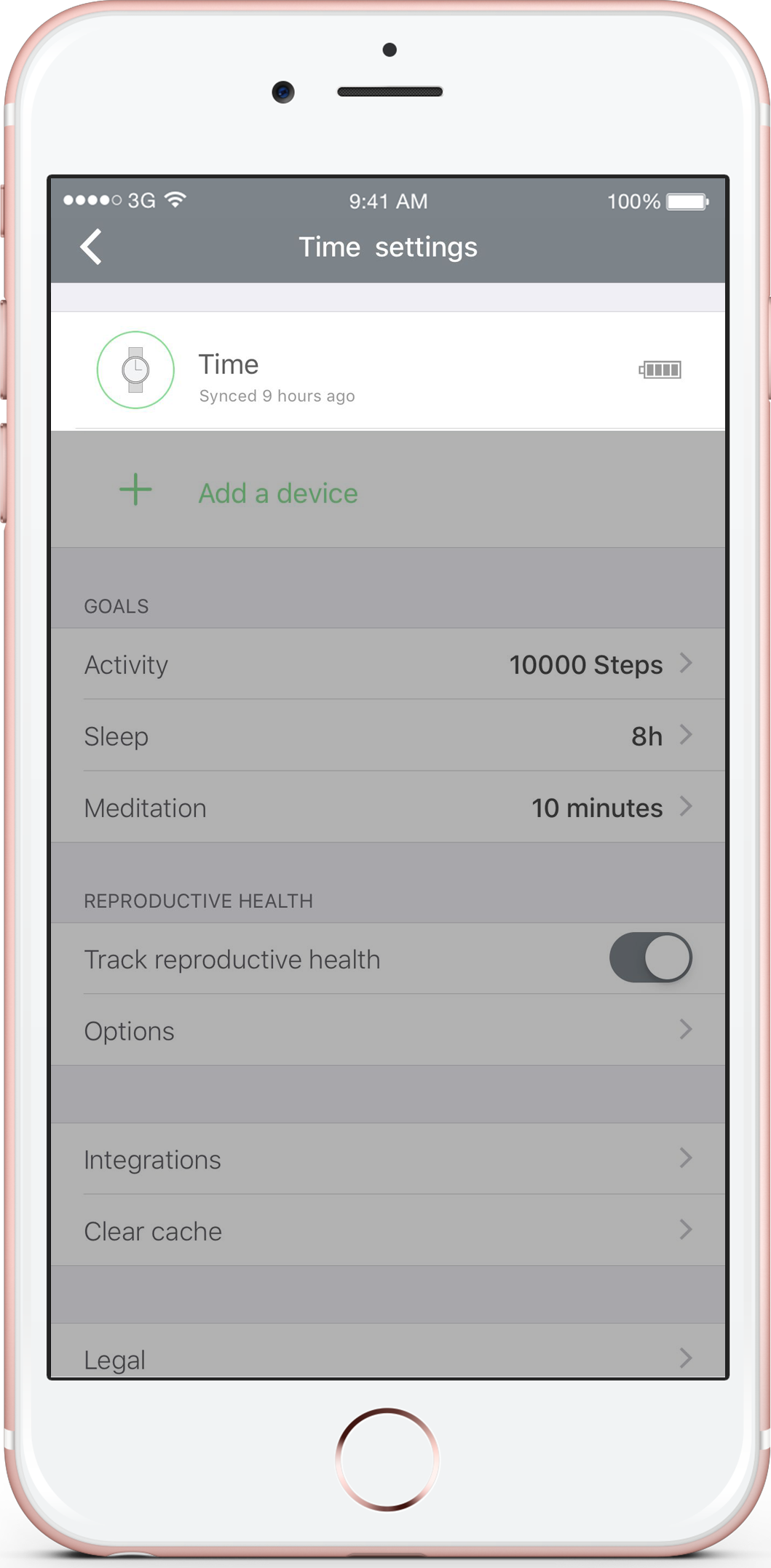
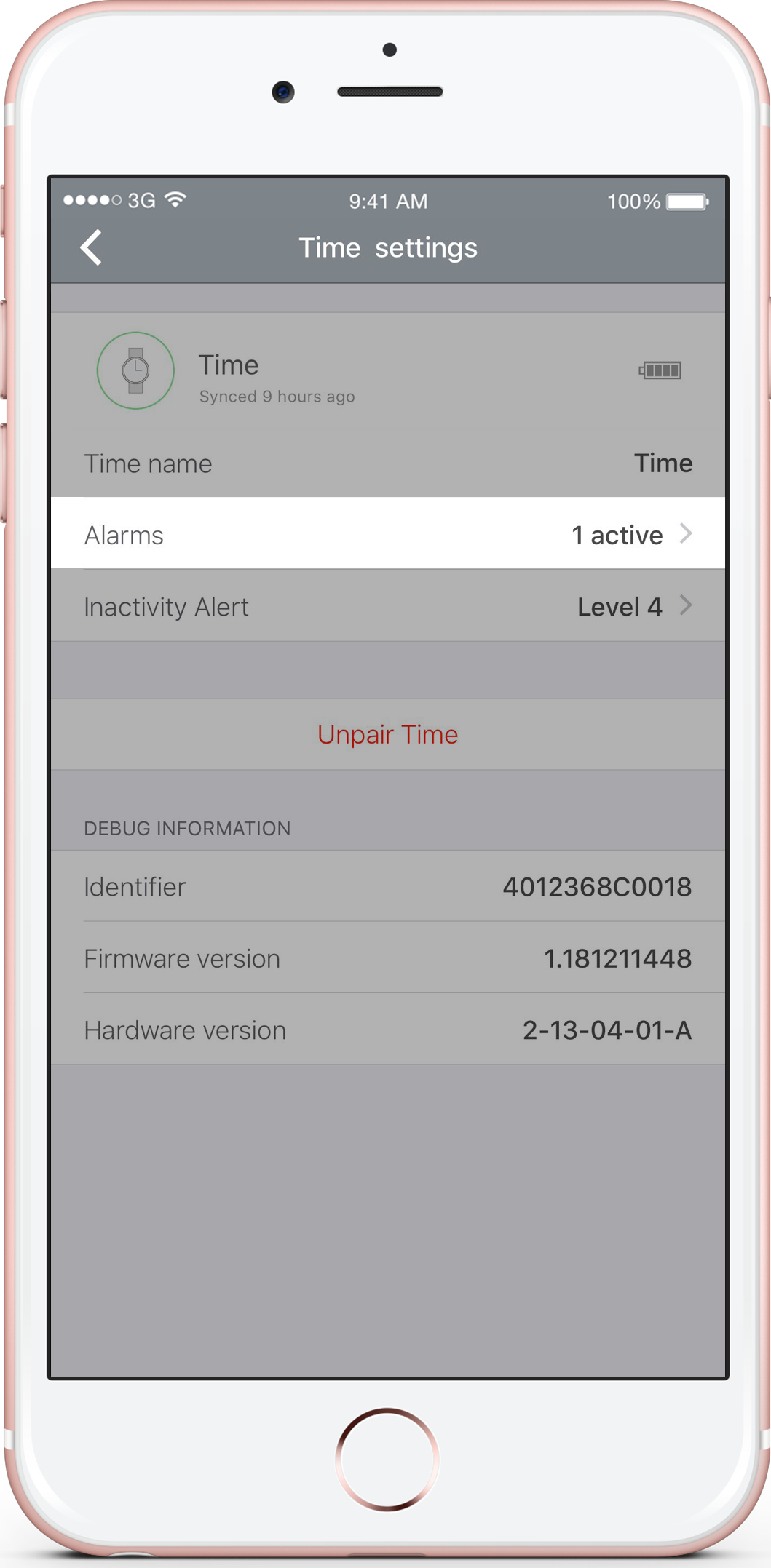
To access this feature, you will need to go into the app’s Settings, select the Time that you wish to set an alarm on and then select the Alarms label. Then it’s simply a matter of adjusting the time you want your watch to vibrate, setting a name for the alarm, setting the days that you wish to have the alarm repeat on and turn it on.
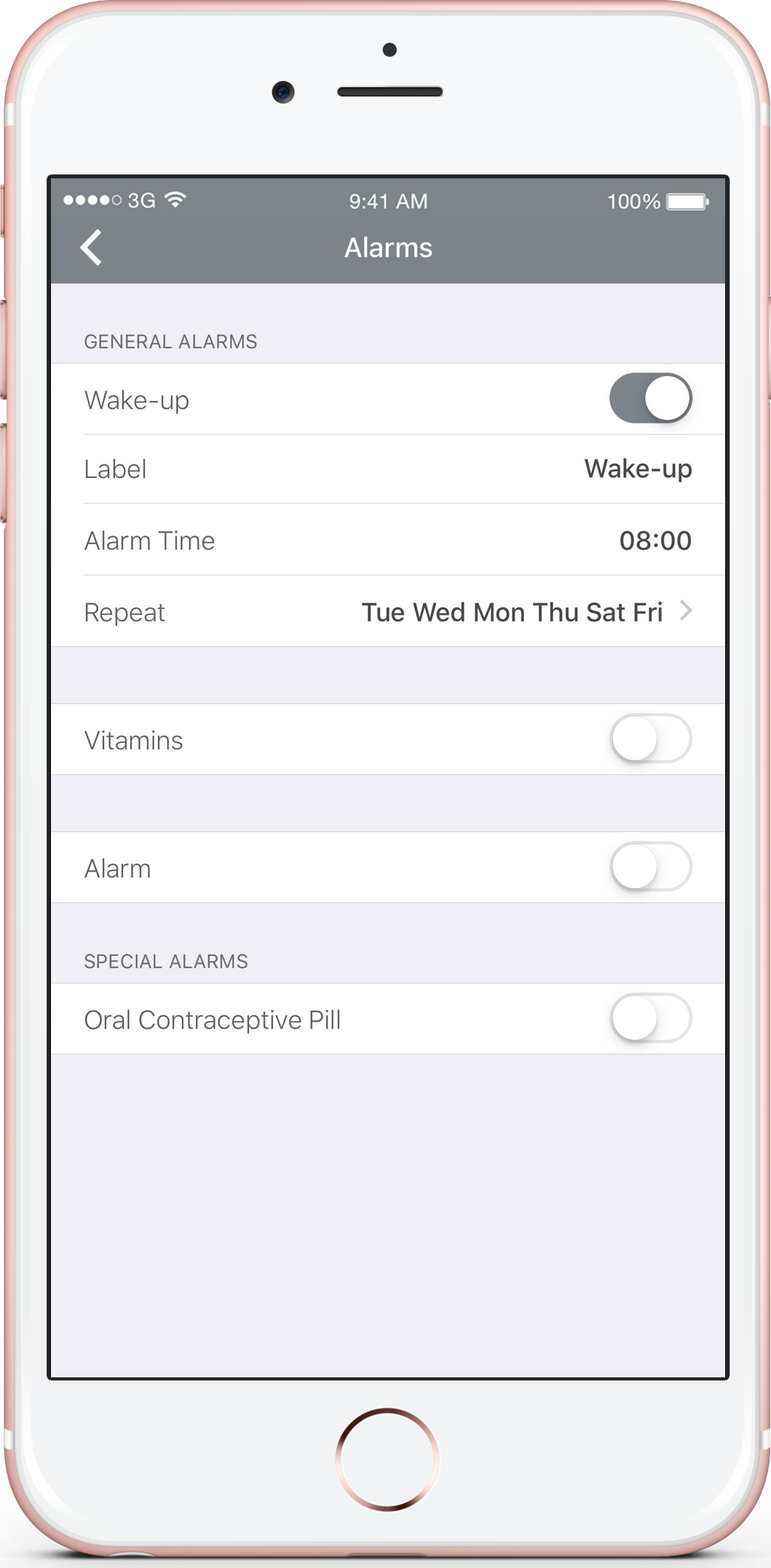
Note: You will need to sync your Time after every change to the alarm’s settings as this will transfer the new settings onto the watch itself.